What Software Do Security Companies Use? A Complete Guide for 2026
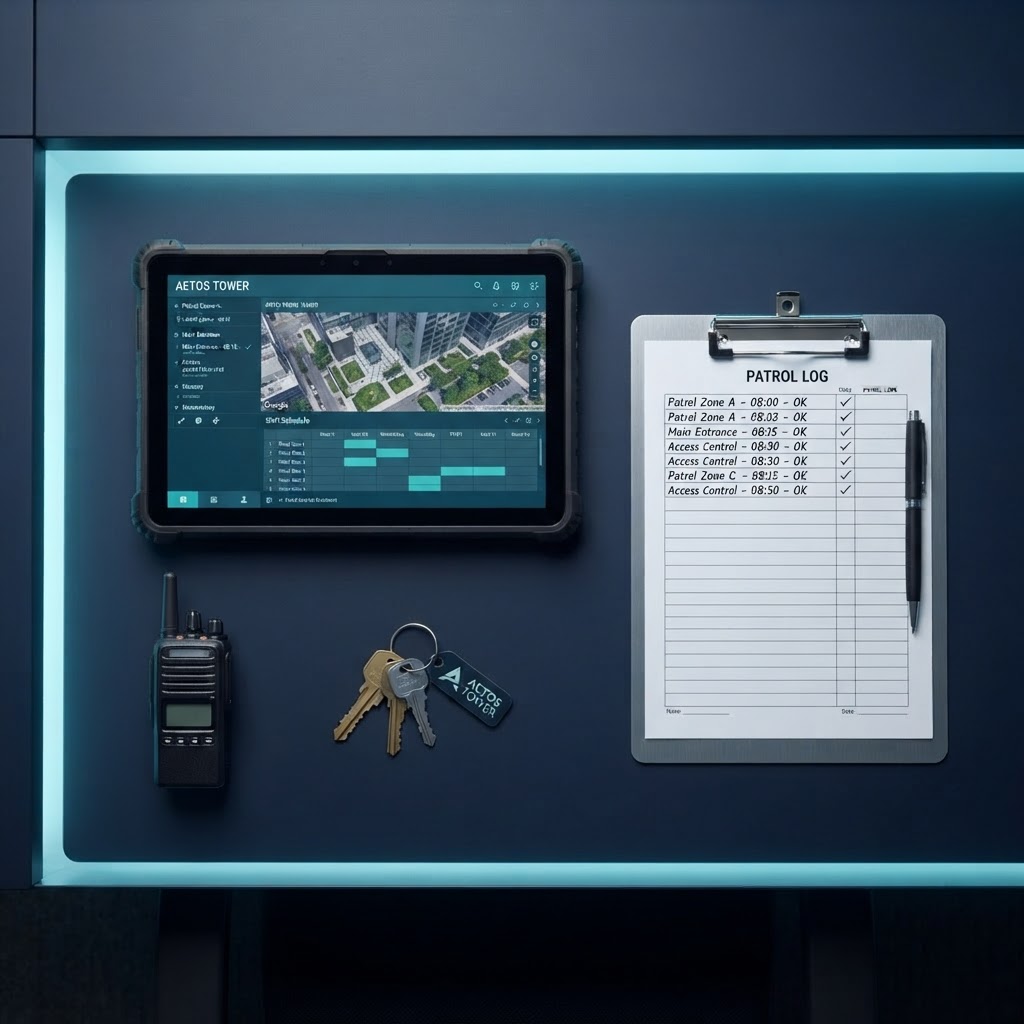
Modern security companies rely on integrated software platforms like ShiftGuard to manage scheduling, patrols, reporting, and billing.
From scheduling and GPS clock-in to patrol tracking, contract writing, and client billing, discover the software that powers modern security companies and why ShiftGuard leads the pack.
Table of Contents
Running a security company today is vastly different from even a decade ago. Paper logs, manual schedules, and clipboard-based patrol tracking have been replaced by powerful software platforms that streamline every aspect of operations. But with so many options on the market, many security company owners ask the same question: What software do security companies use?
In this comprehensive guide, we'll break down the categories of software that modern security firms rely on, the must-have features to look for, and why ShiftGuard has emerged as the leading all-in-one platform that outperforms every competitor in the space.
The Core Software Categories Security Companies Need
Security companies typically juggle multiple operational areas that each require dedicated tools. Here's a breakdown of the essential software categories:
1. Scheduling and Shift Management
The backbone of any security operation is making sure the right guard is at the right post at the right time. Scheduling software allows dispatchers and managers to create shifts, assign guards, handle last-minute changes, and manage open shifts when someone calls out. The best platforms offer real-time visibility into who is working where, automated shift reminders, and open shift broadcast tools.
2. Time Tracking and Payroll
Accurate time tracking is critical for both compliance and payroll accuracy. Modern security software includes GPS-verified clock-in and clock-out functionality, ensuring guards are actually at the assigned site when they start their shift. This data flows directly into payroll processing, eliminating manual timesheet entry and reducing payroll errors.
3. Patrol and Checkpoint Management
Security contracts often require proof that guards completed their rounds. Patrol management software uses QR codes, NFC tags, or GPS tracking to verify that guards visited each checkpoint on their route. This creates an auditable trail that can be shared with clients as proof of service.
4. Incident and Daily Activity Reporting
Guards need a simple way to document incidents, daily activity reports (DARs), and visitor logs. Mobile reporting apps allow guards to file reports from the field with photos, timestamps, and GPS data attached. This not only improves accountability but also provides clients with real-time visibility into site activity.
5. Client and Contract Management
Security companies need tools to manage client relationships, service contracts, billing rates, and invoicing. Contract management software helps track contract terms, renewal dates, billing methods (hourly, flat monthly, per shift), and rate structures for different service types like unarmed officers, armed officers, and patrols.
6. Operations and Dispatch
Larger operations benefit from a centralized dispatch and operations dashboard that shows all active guards, open shifts, incidents, and site locations on a single map. This gives supervisors and dispatchers real-time situational awareness.
What to Look for in Security Company Software
Not all security software is created equal. When evaluating platforms, here are the key criteria that separate the best from the rest:
- GPS-Verified Clock-In: The ability to confirm a guard's location at clock-in using GPS coordinates and geofencing around the assigned site.
- Mobile-First Design: Guards work in the field, not at desks. The mobile app must be intuitive, fast, and reliable on both iOS and Android.
- All-in-One Platform: Juggling five different tools for scheduling, payroll, patrols, reporting, and billing creates data silos and inefficiency. A unified platform saves time and money.
- Client Portal Access: Giving clients a portal to view reports, activity logs, and invoices builds trust and reduces administrative overhead.
- Contract Writing Capabilities: The ability to create, send, and track service contracts directly within the platform, including rate structures, terms, and digital signatures.
- Scalability: The platform should grow with your business, from a handful of guards to hundreds, without requiring a migration to a new system.
- Ease of Use: A platform packed with features is worthless if your team can't figure out how to use it. Intuitive design and minimal training requirements are essential.
ShiftGuard: The All-in-One Platform Built for Security Companies
ShiftGuard was purpose-built for the security industry. Unlike generic workforce management tools retrofitted for security, ShiftGuard was designed from the ground up to handle the unique workflows that security companies face every day.
Complete Scheduling and Shift Management
ShiftGuard's scheduling engine handles everything from recurring shift assignments to last-minute open shift broadcasts. Managers can see the full schedule at a glance, assign guards with a click, and automatically notify them via push notification and email. When a guard calls out, the open shift is instantly broadcast to qualified personnel who can claim it directly from their phone.
GPS-Verified Time Tracking
Every clock-in and clock-out is verified with GPS coordinates and accuracy metrics. Geofencing ensures guards are within the designated radius of the site before they can clock in. Failed clock-in attempts are logged with the reason, giving managers full visibility into attendance issues.
Patrol and Checkpoint Verification
ShiftGuard supports QR code and NFC-based checkpoint scanning, so you have proof that your guards completed every stop on their patrol route. Missed patrol alerts notify supervisors automatically when a checkpoint is skipped, enabling real-time intervention rather than after-the-fact discovery.
Incident Reporting and Daily Activity Reports
Guards can file incident reports and DARs directly from the mobile app, complete with photo attachments, timestamps, and GPS locations. Reports are instantly available to managers and can be shared with clients through the client portal, eliminating the need for end-of-shift paperwork.
Contract Writing and Client Management
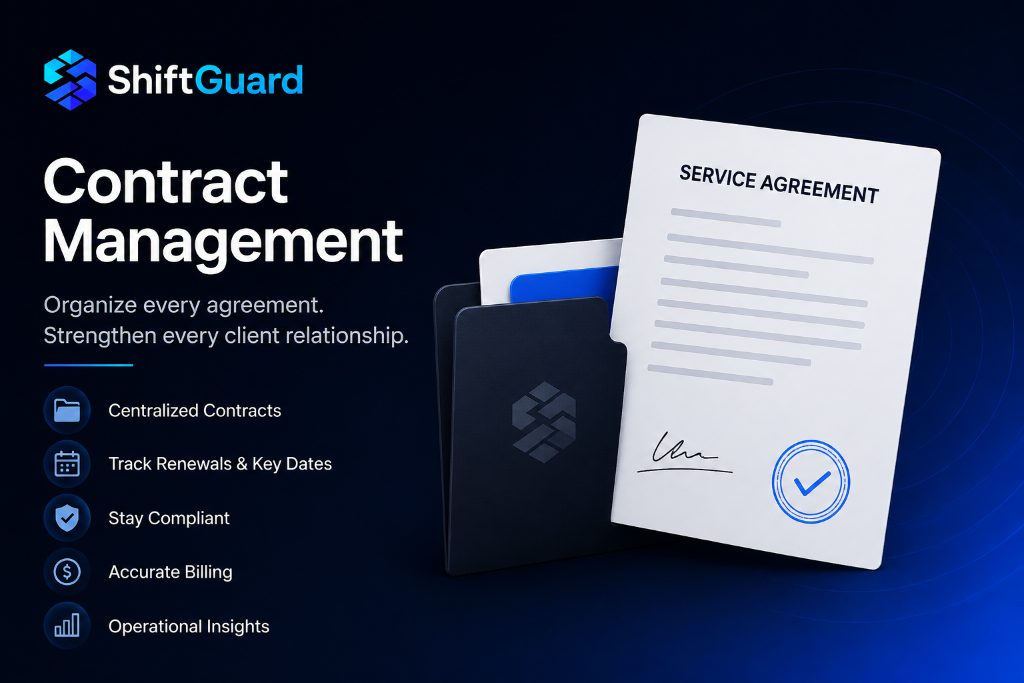
One of ShiftGuard's standout features is its built-in contract management system. Security companies can create professional service contracts with custom rate structures for armed officers, unarmed officers, patrols, and holiday rates. Contracts can be sent to clients for digital signature, tracked through the signing process, and linked directly to billing. This eliminates the need for separate contract software and ensures that billing rates always match the signed agreement.
Client Billing and Invoicing
ShiftGuard automates the entire billing cycle. Invoice line items are generated from actual shift data, applying the correct rates based on the client's contract. Whether you bill hourly, flat monthly, or per shift, the system handles the math for you. Clients receive professional invoices and can view their billing history through the client portal.
Payroll Management
Time tracking data flows seamlessly into payroll processing. ShiftGuard calculates regular hours, overtime, holiday pay, and training pay based on each guard's pay profile. Payroll records can be reviewed, adjusted, and finalized, with export options for popular payroll providers like Gusto, QuickBooks, ADP, and Paychex.
Operations Map Dashboard
The operations map gives supervisors and dispatchers a real-time view of every active guard, site location, open shift, and active incident on a single interactive map. This situational awareness is invaluable for companies managing multiple sites across a wide geographic area.
ShiftGuard vs. Competitors: Side-by-Side Comparison
Here's how ShiftGuard stacks up against the competition across the features that matter most to security companies:
| Feature | ShiftGuard | Competitors |
|---|---|---|
| All-in-one platform (scheduling, patrols, payroll, billing) | Yes, fully integrated | Often requires multiple tools |
| GPS-verified clock-in with geofencing | Yes, included | Limited or add-on cost |
| QR/NFC patrol checkpoint scanning | Yes, included | Some include, some don't |
| Built-in contract writing and digital signatures | Yes, included | Requires separate software |
| Automated client invoicing from shift data | Yes, included | Manual or third-party |
| Client portal with reports and invoices | Yes, included | Rarely included |
| Operations map with real-time guard tracking | Yes, included | Limited or enterprise-only |
| Guard mobile app (iOS and Android) | Yes, included | Varies by platform |
| Payroll export (Gusto, QuickBooks, ADP, Paychex) | Yes, included | Limited integrations |
| Pricing starting at | $49/month | $99 to $300+ per month |
| Free trial | 14 days, no credit card | Limited or demo only |
| Ease of use and onboarding | Designed for non-technical users | Steep learning curve |
Why ShiftGuard Outperforms the Competition
Unbeatable Pricing
Most security software platforms charge per guard per month, with pricing that quickly escalates as you grow. ShiftGuard offers flat-rate pricing starting at just $49 per month for up to 5 guards, $99 for up to 20 guards, and $199 for unlimited guards. Every plan includes the full feature set, so you never have to pay extra for essential capabilities like contract management or client invoicing.
Built-In Contract Writing
Very few platforms in the security space offer contract writing capabilities. Most companies end up using a separate tool or relying on Word documents and email. ShiftGuard's integrated contract management lets you create, send, track, and sign service contracts without ever leaving the platform. Rate structures defined in the contract flow directly into invoicing, eliminating discrepancies and manual data entry.
Genuinely Easy to Use
Many security software platforms are powerful but require extensive training and onboarding. ShiftGuard was designed for real-world use by guards, supervisors, and managers who may not be tech-savvy. The interface is clean, intuitive, and consistent across desktop and mobile. New guards can clock in and file reports within minutes of downloading the app.
Everything in One Place
The biggest hidden cost of using multiple software tools is the time spent switching between them, reconciling data, and training staff on different interfaces. ShiftGuard eliminates this by putting scheduling, patrols, reporting, payroll, contracts, invoicing, and client communication in a single unified platform. Your data flows naturally from one workflow to the next without manual transfers.
Real-Time Visibility for Owners and Clients
ShiftGuard gives owners a dashboard with real-time metrics on active guards, open shifts, incidents, payroll status, and compliance alerts. Clients get their own portal where they can view activity reports, incident reports, and invoices. This transparency builds trust and reduces the back-and-forth communication that eats up administrative time.
How to Choose the Right Software for Your Security Company
When evaluating security software for your company, follow these steps:
- Identify your pain points: Are you struggling with scheduling, payroll accuracy, patrol verification, or billing? Knowing your biggest challenges helps you prioritize features.
- Consider the total cost: Look beyond the monthly price. Factor in per-guard fees, add-on costs, integration fees, and the time cost of managing multiple tools.
- Test the mobile app: Your guards will be the primary users. Download the app, try clocking in, filing a report, and scanning a checkpoint. If it's not intuitive, adoption will suffer.
- Check for contract management: If you're still writing contracts in Word and tracking them in a spreadsheet, you're leaving time and money on the table.
- Start a free trial: The best way to evaluate software is to use it. ShiftGuard offers a 14-day free trial with no credit card required, giving you full access to every feature.
The Bottom Line
The software that security companies use can make or break operational efficiency. The best platforms combine scheduling, time tracking, patrol management, reporting, payroll, contracts, and billing into a single, easy-to-use system. ShiftGuard does all of this at a price point that no competitor can match, starting at just $49 per month with a 14-day free trial.
Whether you're a new security company just getting started or an established firm looking to consolidate your tech stack, ShiftGuard provides the complete toolkit you need to run your operation efficiently, keep your guards accountable, and impress your clients with professional service and transparent reporting.
Frequently Asked Questions
What software do most security companies use?
Most security companies use a combination of scheduling software, time tracking tools, patrol management apps, and billing systems. The most efficient companies use an all-in-one platform like ShiftGuard that combines all of these functions into a single integrated system, eliminating the need for multiple separate tools.
How much does security company software cost?
Security software pricing varies widely. ShiftGuard offers the most competitive pricing in the industry, starting at just $49 per month for up to 5 guards, $99 for up to 20 guards, and $199 for unlimited guards. Many competitors charge per guard per month, which can cost significantly more as your team grows.
Does ShiftGuard include contract writing capabilities?
Yes. ShiftGuard includes a full contract management system that lets you create professional service contracts with custom rate structures, send them to clients for digital signature, and link them directly to invoicing. This eliminates the need for separate contract software.
Can ShiftGuard track guard patrols and checkpoints?
Absolutely. ShiftGuard supports QR code and NFC-based checkpoint scanning, GPS patrol tracking, and automated missed patrol alerts. Supervisors receive real-time notifications if a guard misses a checkpoint, enabling immediate follow-up.
Does ShiftGuard work on mobile devices?
Yes. ShiftGuard includes a full mobile app for iOS and Android that allows guards to clock in with GPS verification, scan checkpoints, file incident reports and daily activity reports, view their schedule, and communicate with their team, all from their phone.
Can clients access ShiftGuard?
Yes. ShiftGuard includes a client portal where clients can view activity reports, incident reports, contracts, and invoices. This transparency builds trust and reduces the administrative burden of manually sharing updates with clients.
Is there a free trial?
Yes. ShiftGuard offers a 14-day free trial with no credit card required. You get full access to every feature, including scheduling, GPS clock-in, patrols, reporting, contracts, invoicing, and payroll management.
Start 14 day trial with ShiftGuard
Join security companies already using ShiftGuard to streamline scheduling, patrols, reporting, and billing.
No credit card required · 14-day free trial